How to Configure Battery Saving Mode Settings on your iPhone 6s plus
1 Answer
0
You may alter the battery mode settings on your smartphone to suit your needs if you like. Here's how to do it:
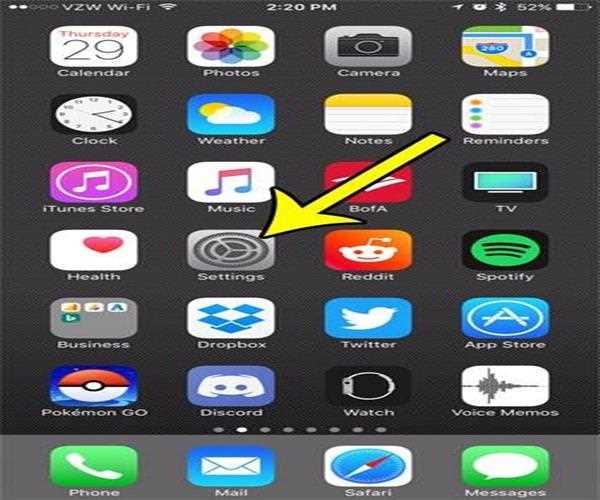
1. From the Home screen, go to Settings.
2. Press and hold the Battery button.
3. To manually activate Low Power Mode, press the switch next to it.
4. Tap the switch next to Battery Percentage to turn it on or off.
