0
How do you connect a regular iPad to a television or projector to display photos or video?

1 Answer
0
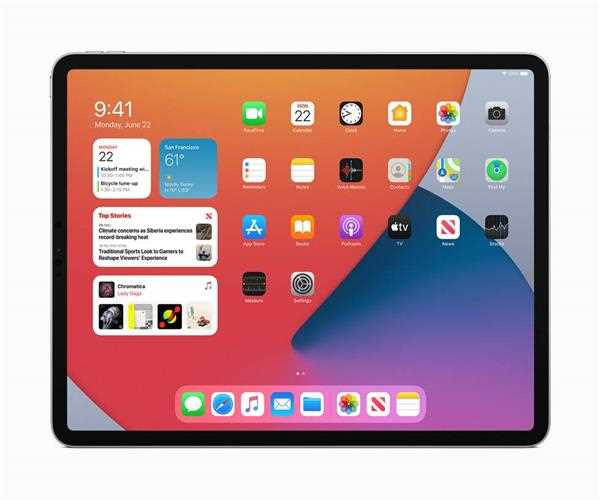
- There are several simple ways to connect a full-size iPad to a television or projector to show images or videos or conduct a presentation. It's merely a matter of locating the appropriate adaptor and understanding your iPad's capabilities.
- For connecting the devices to any television or projector with a VGA or HDMI connection, the iPad 2 and iPad 3rd Gen models support the prior adapters as well as the VGA-equipped '30-pin to VGA Adapter' and the HDMI-equipped 'Apple Digital AV Adapter.' The 30-pin to VGA Adapter and Apple Digital AV Adapter are also supported by the early iPad models.
- An application that allows playing video to an external display will automatically use the cable when it is connected to a TV or projector. Videos, Photos, and YouTube are the only built-in programmes that support external video display.
