0
How do you install the Safari web browser on a PC?

1 Answer
0
Steps to install the Safari web browser on a PC :
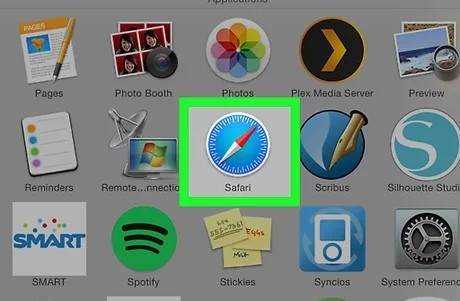
- Open any web browser on a Windows PC and go to this Apple.com link:
- Save the SafariSetup.exe file.
- When SafariSetup.exe has finished downloading, select 'Run' and proceed through the standard Windows setup as usual.
- If you choose to install Safari for Windows, make sure to uncheck the option to make it the default browser and avoid installing any other software with it - keep in mind that this is an older version.
- When Safari has finished installing, open it in Windows and it will be ready to use.
