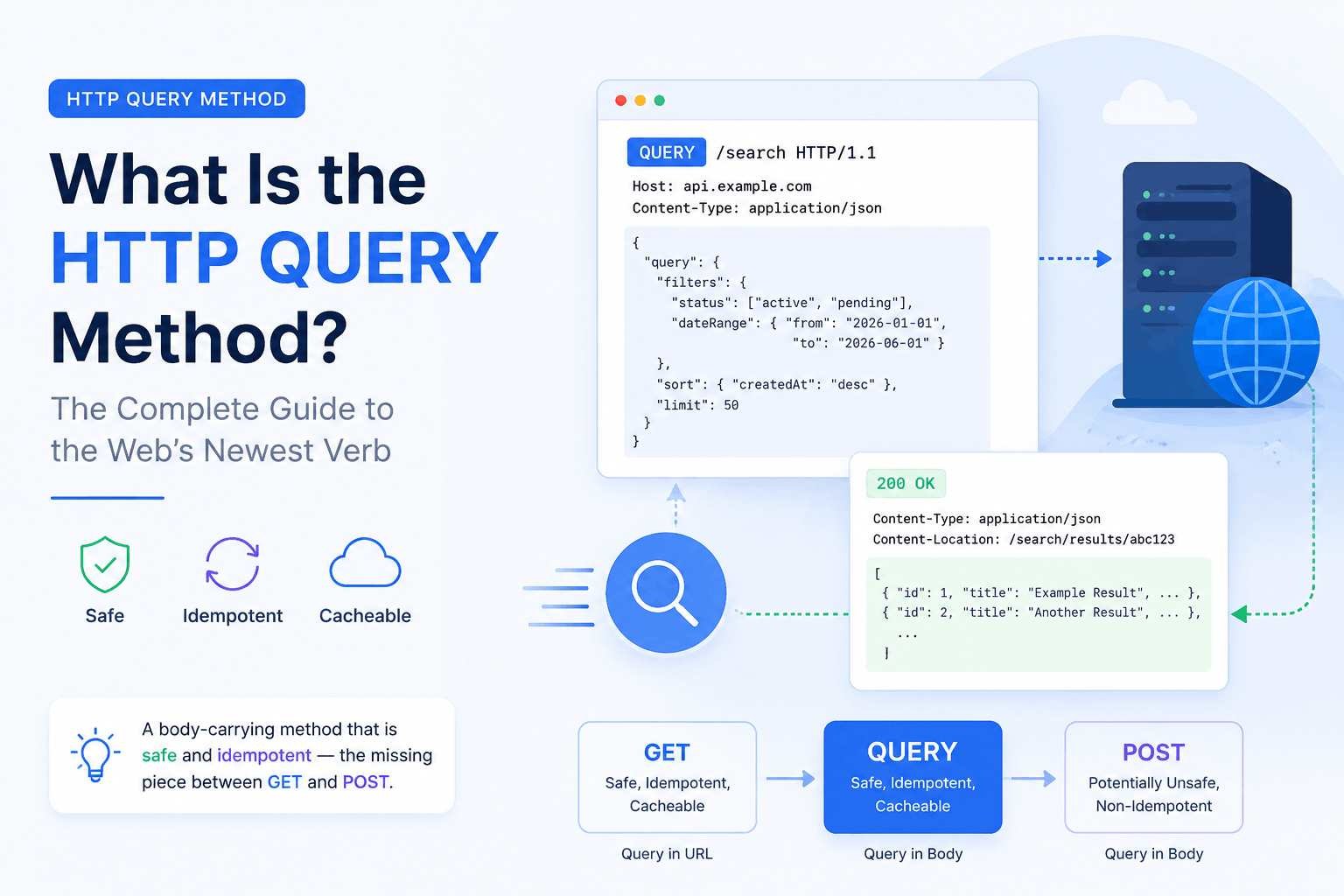
Modern web applications rely heavily on APIs and HTTP communication. Whether you're building a REST API, integrating third-party services, or developing cloud-native applications, handling query parameters efficiently is essential. The introduction of HTTP Artifacts (QUERY) provides a structured approach to working with query parameters, making APIs cleaner, more maintainable, and easier to debug.
In this article, we'll explore what HTTP QUERY artifacts are, their benefits, use cases, implementation concepts, and best practices.
What Are HTTP QUERY Artifacts?
HTTP QUERY artifacts represent the query string parameters of an HTTP request as structured data instead of treating them as raw URL strings.
For example, instead of manually parsing the following URL:
https://api.example.com/products?category=laptop&brand=hp&page=2&sort=priceThe query portion:
category=laptop
brand=hp
page=2
sort=price
can be represented as a structured artifact:
{
    "category": "laptop",
    "brand": "hp",
    "page": 2,
    "sort": "price"
}
This structured representation simplifies validation, serialization, documentation, and debugging.
Why QUERY Artifacts Matter
Traditional query parameter handling often requires:
- Manual parsing
- String manipulation
- Validation logic
- Default value handling
- Error checking
- QUERY artifacts automate much of this process.
Some major benefits include:
- Better readability
- Strong typing
- Automatic validation
- Easier API documentation
- Improved debugging
- Cleaner business logic
Common Use Cases
1. Filtering Data
Most APIs allow filtering resources.
Example:
GET /users?country=India&active=trueStructured QUERY artifact:
{
    "country": "India",
    "active": true
}
2. Pagination
Instead of extracting values manually:
GET /orders?page=3&limit=20Artifact:
{
    "page": 3,
    "limit": 20
}
3. Sorting
Example:
GET /products?sort=name&order=ascArtifact:
{
    "sort": "name",
    "order": "asc"
}
4. Searching
GET /articles?keyword=HTTPArtifact:
{
    "keyword": "HTTP"
}
Advantages of QUERY Artifacts
Cleaner Code
Instead of writing:
const url = new URL(req.url);
const page = url.searchParams.get("page");
const limit = url.searchParams.get("limit");
Developers receive structured objects directly.
Type Safety
Values can automatically become:
- Integer
- Boolean
- Float
- Date
- Enum
- instead of remaining plain strings.
Example:
{
    "page": 5,
    "isActive": true,
    "price": 299.99
}
Automatic Validation
Rules can verify:
- Required fields
- Numeric ranges
- Allowed values
- String length
- Formats
Example:
{
    "page": "abc"
}
Validation immediately reports an error because page should be an integer.
Easier Documentation
Many API documentation generators can automatically display supported query parameters when they are represented as structured artifacts.
Example documentation:
| Parameter | Type | Required |
|---|---|---|
| page | Integer | No |
| limit | Integer | No |
| category | String | No |
| sort | String | No |
Example Workflow
Incoming Request
GET /products?category=electronics&page=2&limit=10QUERY Artifact
{
    "category": "electronics",
    "page": 2,
    "limit": 10
}
Validation
✓ category exists
✓ page is integer
✓ limit is integer
Business Logic
findProducts({
    category: "electronics",
    page: 2,
    limit: 10
});
Example in JavaScript
// Create URL object
const url = new URL(request.url);

// Convert query parameters into an object
const query = Object.fromEntries(url.searchParams);

// Output the structured query object
console.log(query);
Output:
{
    "category": "electronics",
    "page": "2"
}
Type conversion can then transform the values into appropriate data types.
Best Practices
Keep Parameters Simple
Use query parameters only for filtering and searching.
Good:
/products?category=booksAvoid sending large complex objects.
Validate Every Parameter
Always verify:
- Type
- Length
- Range
- Allowed values
- Never trust client input.
Use Default Values
Example:
page = 1
limit = 20
sort = name
This prevents unexpected behavior when parameters are omitted.
Avoid Sensitive Information
Never send:
- Passwords
- Authentication tokens
- Credit card information
- Query strings are often logged and stored in browser history.
Use Consistent Naming
Prefer:
page
limit
sort
filter
search
instead of inconsistent names like:
p
l
pg
srt
QUERY vs Request Body
| QUERY Parameters | Request Body |
|---|---|
| Used for filtering | Used for creating/updating data |
| Visible in URL | Hidden from URL |
| Ideal for GET requests | Used in POST, PUT, PATCH |
| Easily shareable | Better for large payloads |
Common Challenges
Some challenges developers may encounter include:
- Type conversion
- Nested query parameters
- Arrays
- URL encoding
- Duplicate keys
- Validation rules
Modern frameworks typically provide built-in solutions for handling these scenarios.
Future of HTTP QUERY Artifacts
As APIs become more sophisticated, structured HTTP artifacts are expected to play a larger role in:
- API-first development
- Contract-based APIs
- Automatic code generation
- API testing
- Schema validation
- Cloud-native applications
They reduce repetitive code while improving consistency across services.
Conclusion
HTTP QUERY artifacts offer a cleaner and more structured way to work with query parameters in modern web applications. By representing query strings as typed, validated objects, developers can reduce boilerplate code, improve API reliability, and create better developer experiences.
Whether you're implementing filtering, pagination, sorting, or search functionality, adopting structured QUERY artifacts helps build APIs that are easier to maintain, document, and scale. As API ecosystems continue to evolve, this approach is becoming an increasingly valuable practice for developing robust and user-friendly HTTP services.
