0
How do I go back to the old Microsoft Edge?

1 Answer
0
Steps to go back to the old Microsoft Edge:
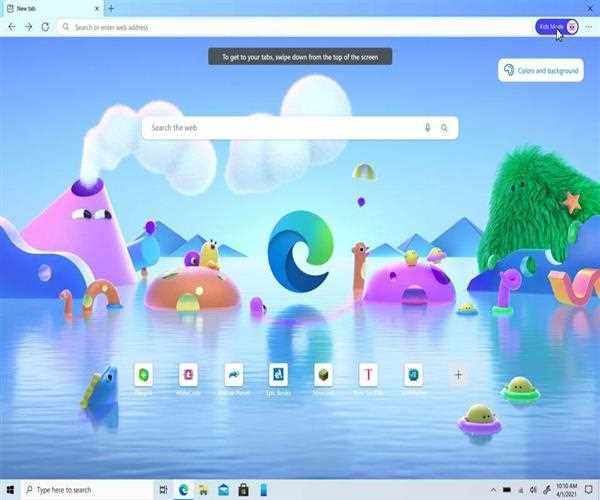
- Exit the Microsoft Edge browser and use the Task Manager (Ctrl+Shift+Esc) to terminate any running processes.
- To open File Explorer, press the Win + E shortcut keys.
- Under Program Files, go to the Edge's Installer directory.
- Make sure the version number is right (you can verify your version on the edge:/settings/help page).
- Within the Installer folder, go to the Address bar and type cmd, then press the Enter key.
- The Command Prompt window will open.
- In the CMD window, type the uninstall command.
- Uninstall the programme by pressing the Uninstall button.
Read More: How do I download Mac OS X 10.10?
