0
Hide and show JQuery effect?

1 Answer
1
jQuery hide()
The hide() method of jQuery is used to hide the selected elements. This method returns the Deploy property set to None
Syntax:

$(selector).hide();

$(selector).hide(speed, callback);
jQuery show()
The jQuery show() method is used to show the selected elements. This method gives the block set number to the display property. so that the elements appear.
Syntax:
$(selector).show();
$(selector).show(speed, callback);
Speed and callback is an optional parameter. Speed specifies the delay of showing elements these possible vales are 'slow', 'fast' and milliseconds. Callback function to be called after completion of show () or hide ().
<!DOCTYPE html>
<html lang='en' xmlns='http://www.w3.org/1999/xhtml'>

<head>

    <meta charset='utf-8' />

    <title></title>

    <style>

        button {

            width:100px;

            height:30px;

        }

    </style>

    <script src='https://ajax.googleapis.com/ajax/libs/jquery/3.5.1/jquery.min.js'></script>

<script>

    $(document).ready(function () {

        $('.hide').click(function () {

            $('img').hide(500);

        });

        $('.show').click(function () {

            $('img').show(500);

        });

    });

</script>

</head>

<body>

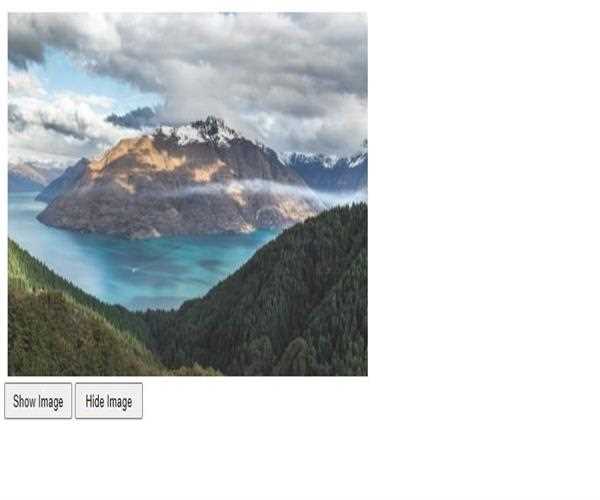
    <img src='https://source.unsplash.com/1600x900/?nature,water' id='image' width='200px' height='200px'/></br></br>

    <button class='show'>Show Image</button>

    <button class='hide'>Hide Image</button>

</body>

</html>Output :