How to post any article at Post/Blog/News section on MindStick?
1 Answer
0
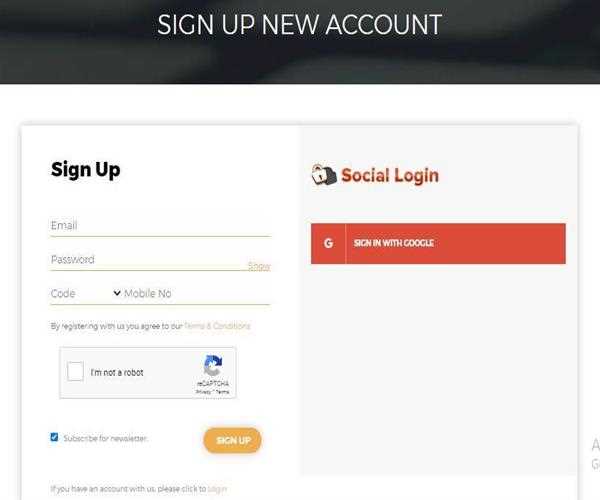
To post an article on MindStick
You must be registered with your valid credentials to the Official MindStick Page
To Register >
After signing up to MindStick you need to locate yourself to
Developer Section.
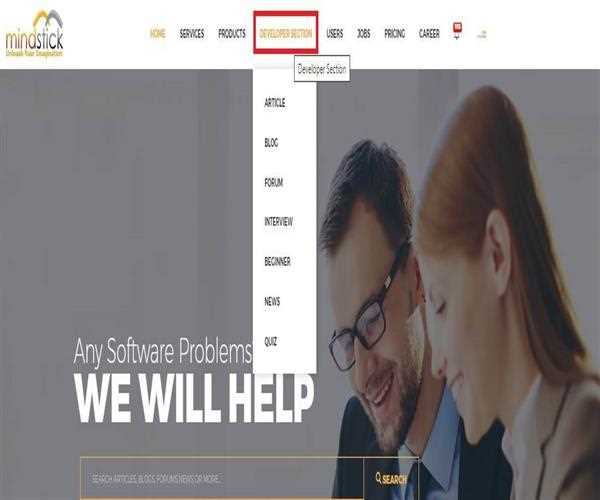
Now its all up to you whether you are interested in Posting
ARTICLES or
BLOG!
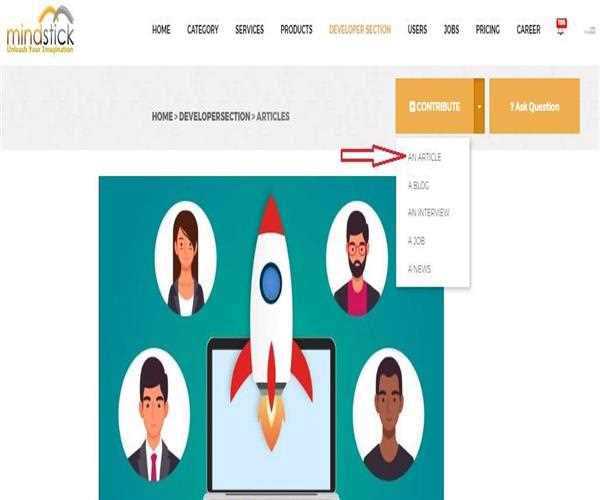
Suppose, You are Choosing ARTICLE click on the Article Button new window will open which will allow you to CONTRIBUTE, click on Contribute
> AN ARTICLE and move further.
Now the New Window will allow you to submit your Own Article, Write-Up, Post.
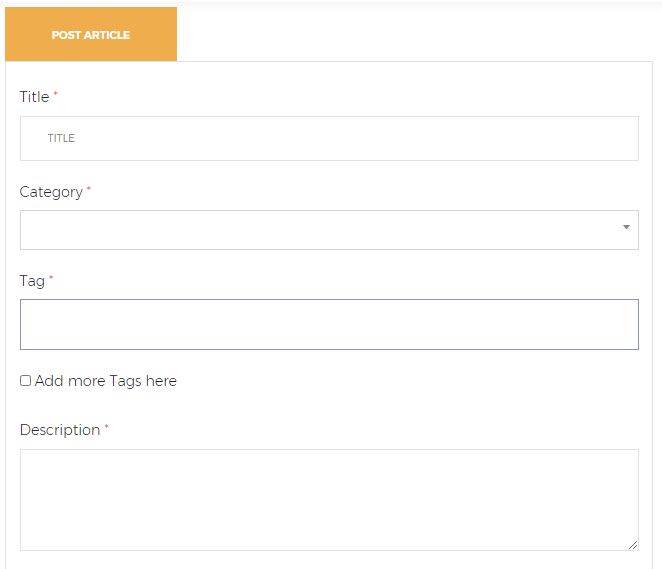
Or you can directly click on the link and post you own
Post/Article.
