How to post any article at YourViews on MindStick?
1 Answer
0
To post an article at YourViews on MindStick
You must be registered with your valid credentials with the Official MindStick Page.
To Register >
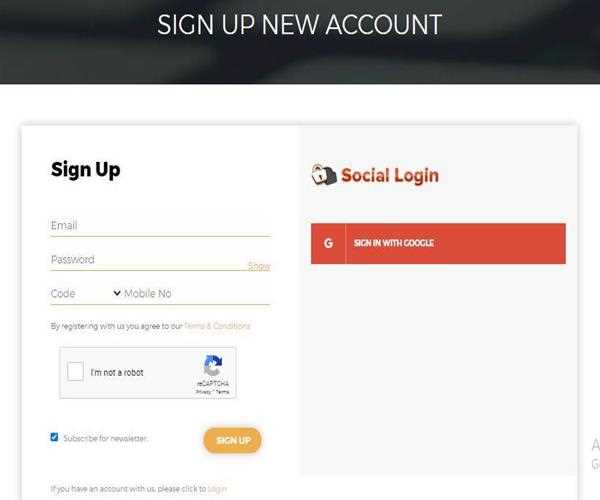
After signing up you need to locate yourself to the YourViews Section, which is located at the footer section of the Official MindStick Page.
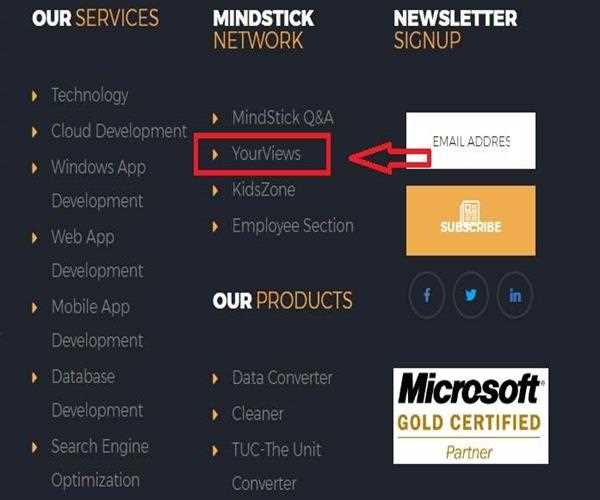
Or you can directly click on the following
YourViews link.
So, after reaching to the YourViews page you must be thinking how to post? On the Right Middle Corner you can find out the Post a View button.

A new window will appears which allows you to post your own View (Opinion) on something you want to post.
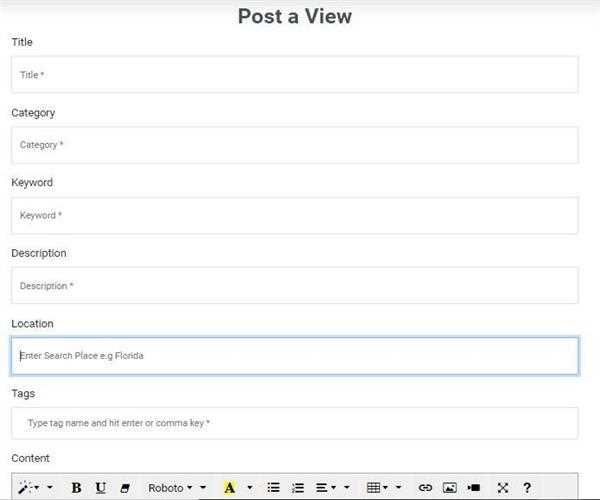
Select an attractive Tittle, Category and go on filling up with all the mandatory options and share your own View (Opinion).
