Some large software upgrades override your device settings automatically, resulting in conflicts and issues. Some
important settings may have been automatically changed by the new
update and must be adjusted to keep things balanced and avoid your device from overheating. Here's what you can do in that case:
- To get started, go to the
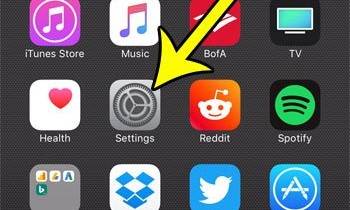
- Select General.
- Reset may be found by scrolling down and tapping it.
- From the list of options, tap Reset all settings.
- To continue, enter your device passcode if requested.
- Then press the option to approve the reset of all settings.
Wait until your device's system settings have been reset and then restart it. After restarting your device, you'll need to re-enable relevant choices and capabilities, such as Wi-Fi and Bluetooth, in order to utilize them again.
