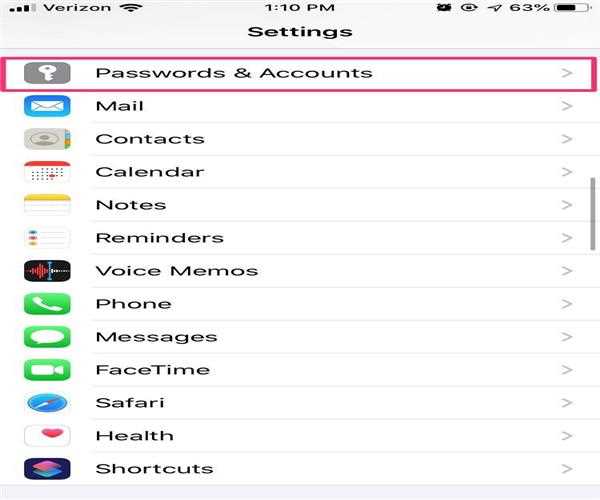
Navigate to Settings Settings Icon Mail from a Home screen.
If an app isn't shown on your Home screen, swipe left to reach the App Library.
If it doesn't work, go to Passwords & Accounts Settings.
Select Accounts from the drop-down menu.
Select an email account from the 'ACCOUNTS' column.
Select Delete Account at the bottom;
Tap Delete from My iPhone to confirm.
Write Your Answer
We use cookies to ensure you have the best browsing experience on our website. By using our site, you
acknowledge that you have read and understood our
Cookie Policy &
Privacy Policy.